 TermFold
A Linux terminal and coding agents on your Android tablet
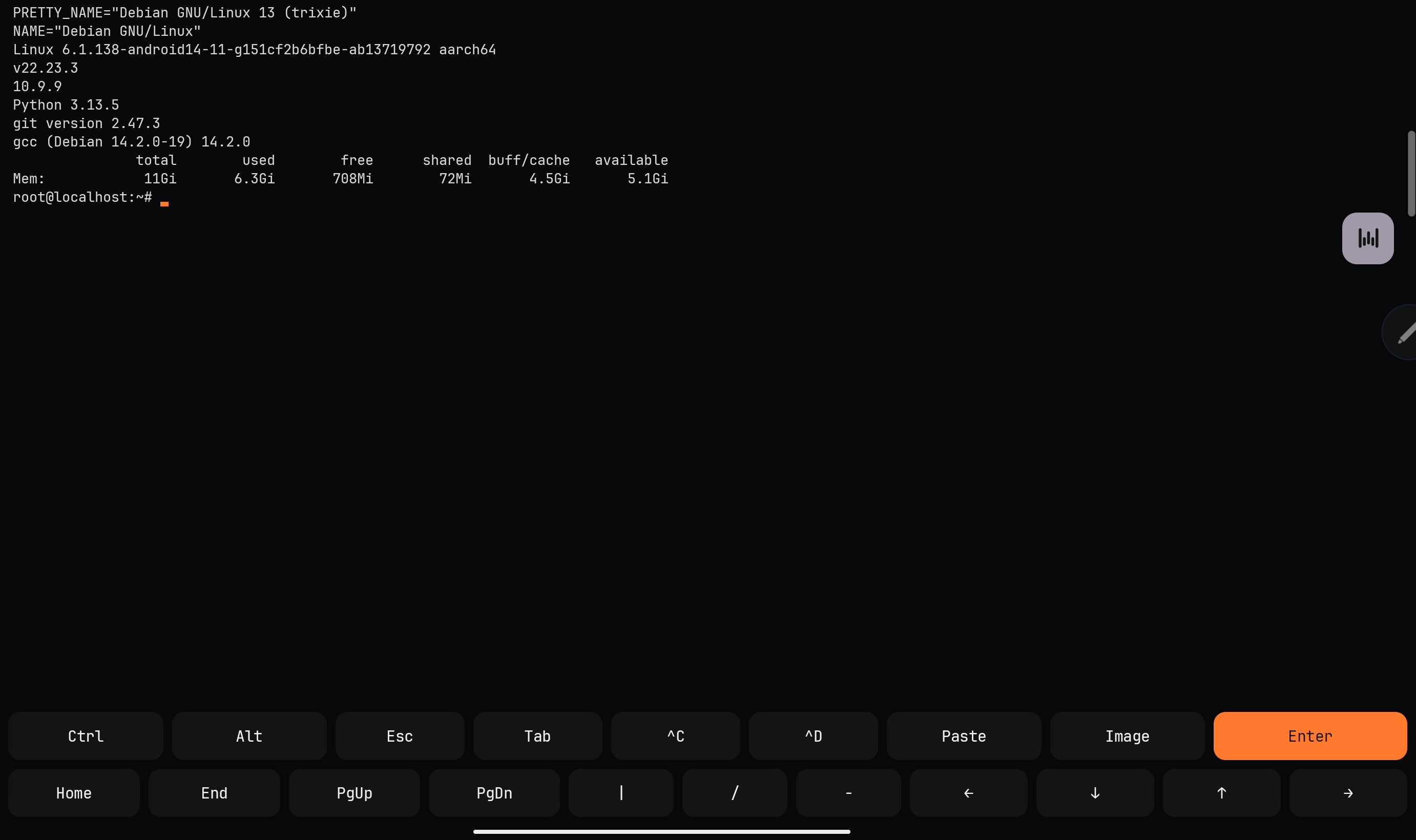
TermFold is an Android app that runs a real Debian system. You can use git, Node, Python and tools like Claude Code and Codex on a tablet, without a laptop and without root.
Download the APK Android 8 or newer
Free, Apache-2.0. Also on Obtainium, and it can update itself.
what it is
I wanted to code on a tablet with a keyboard. On Android that usually means a terminal app, a pile of proot scripts, and package installs that break halfway through. TermFold bundles Debian 13 and does that setup once, so apt, git, Node 22, Python and gcc work after the first launch.
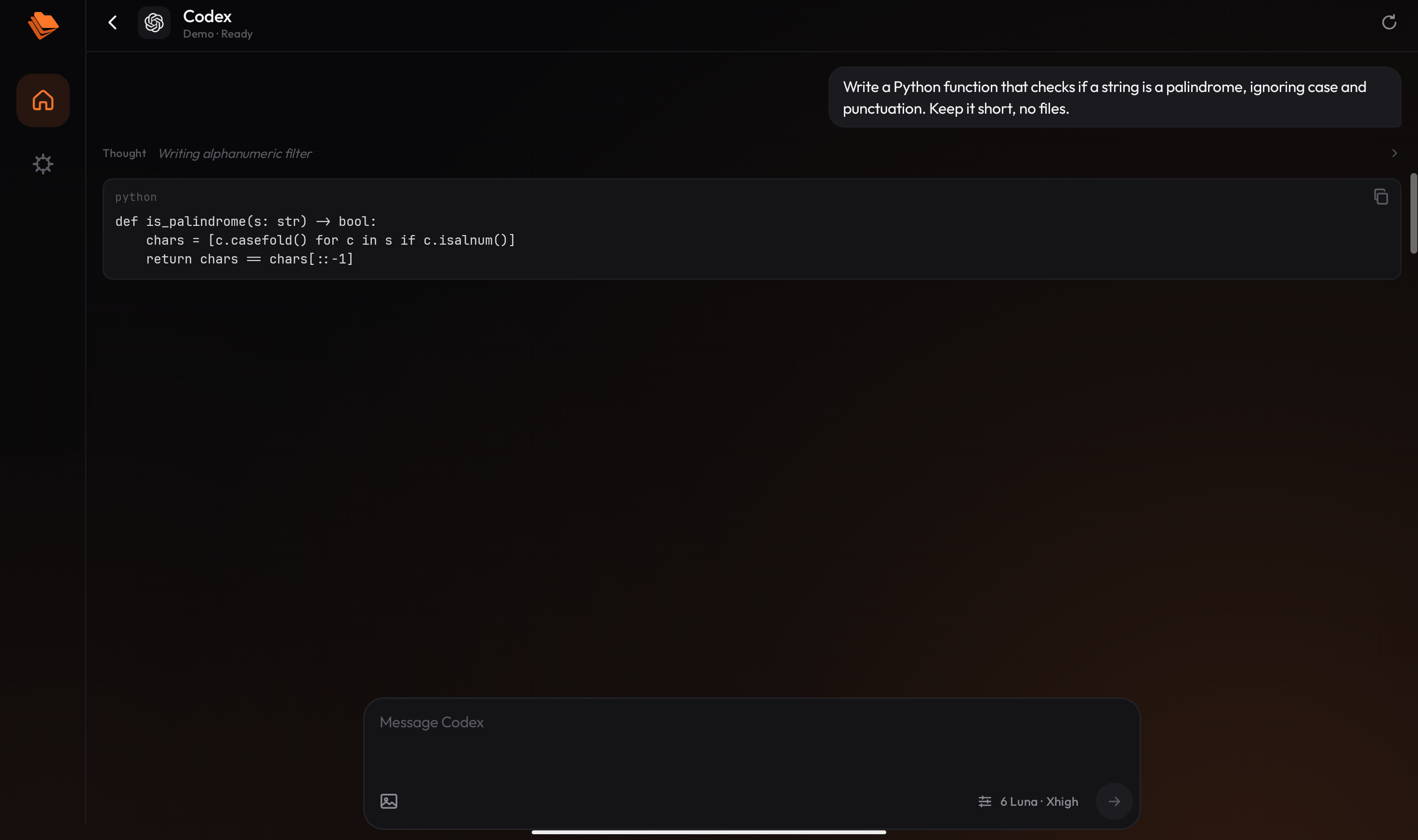
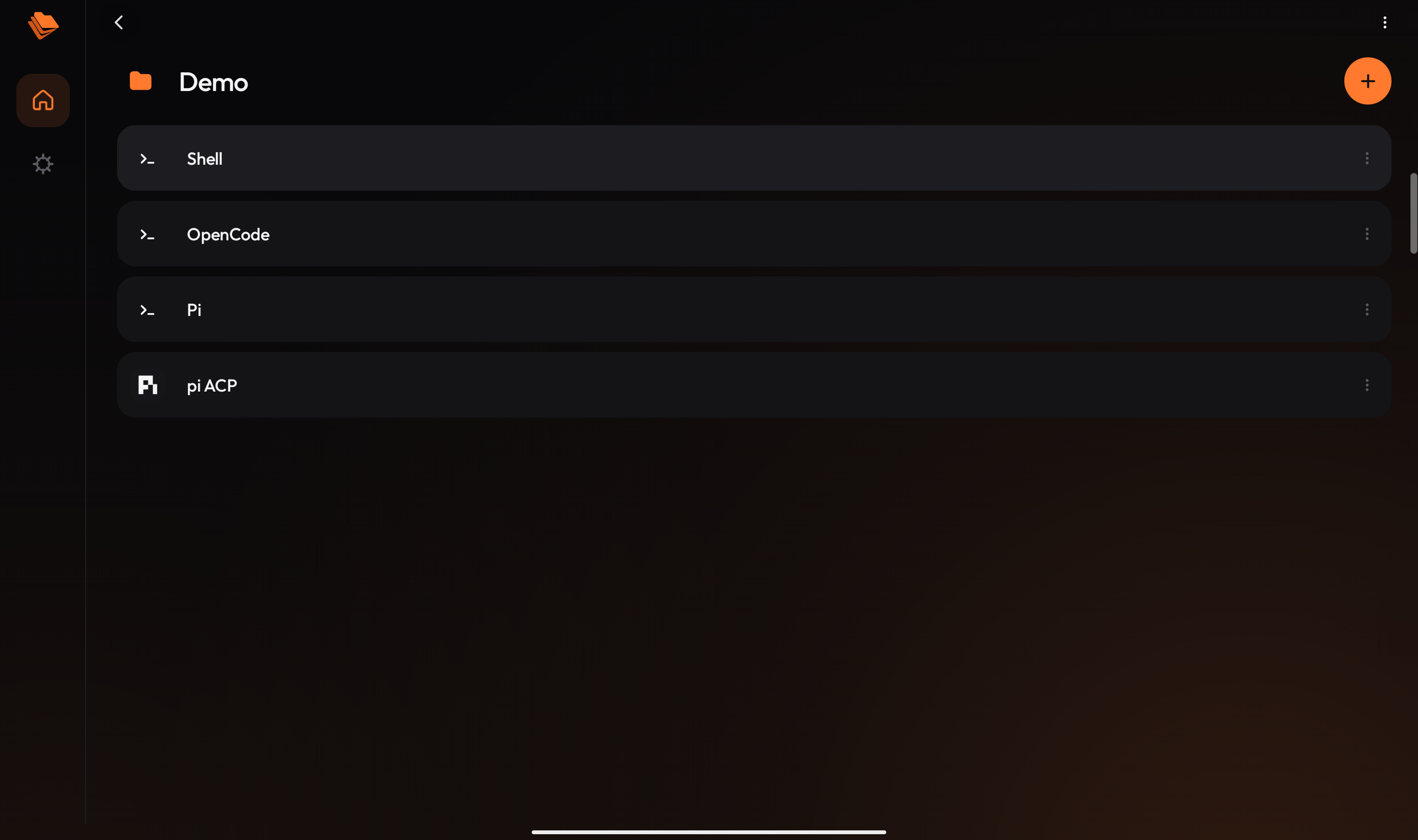
Your projects live inside that Linux system, so symlinks, permissions and npm behave the way they do on a PC. Agents install themselves the first time you type their name: claude, codex, gemini, opencode, pi or qwen. Several of them also get a proper chat screen instead of a terminal, through the Agent Client Protocol.
also in the box
- A file manager and a code editor. You can send files into a project from any app, and export them out again.
- A browser next to the chat. Agents can open a page, click, fill in forms and take screenshots to check their own work. The snapshots they get are kept short on purpose, so they do not burn tokens.
- A key row for Ctrl, Esc and the arrows, and a floating bubble that keeps your session one tap away while you are in another app.
- Updates from Settings: it checks GitHub, verifies the checksum and signature, then hands the APK to Android's installer.
screenshots
install
- Download the APK from the releases page and open it. Android asks once to allow installs from your browser.
- Or add
github.com/Bibarud/TermFoldto Obtainium and it keeps the app up to date. - Open TermFold. The first start unpacks Debian, which takes a few seconds. The first shell then downloads the developer tools, a few hundred MB, so you need internet once.
You need Android 8 or newer, a 64-bit ARM or x86_64 device, and a few GB free.
what doesn't work
- It is not on Google Play. The app updates itself and downloads developer tools, which Play's policies restrict, and it still targets Android 9, which Play no longer accepts. Newer targets look workable; the notes are here.
- It is not on F-Droid yet. F-Droid wants every binary built from source, and the PRoot binaries come from Termux's packages. There is an issue if you want to help.
- It is PRoot, not a virtual machine: no systemd, no kernel modules, no raw sockets.
- Google's Antigravity chat server needs more address space than Android gives apps, so only its command line works.
- You bring your own account or API key for each agent.
how it works
Getting Linux to run inside an app took five workarounds, for things like Android refusing to execute files from app storage and blocking hard links. I wrote them up in How TermFold runs Debian on Android without root. The source is on GitHub.
questions
- Do I need root?
- No. It is an ordinary app. Nothing on your device is modified.
- Does it work on a phone?
- Yes, the layout adapts, but it is built for a tablet with a keyboard, where the chat, files and terminal can sit side by side.
- How is it different from Termux?
- Termux is a general terminal and does much more. TermFold does one thing: coding with agents on a tablet. It brings its own Debian, a chat view for agents, a file manager, an editor and a browser, with the setup done for you.
- Is an APK from GitHub safe to install?
- Each release lists a SHA-256 checksum and the source is public. The in-app updater checks both the checksum and the signing key before it passes a file to Android.